 Ferry Busy
Harbor desk
Keep your watch moving.
Ferry Busy is a native iPhone and iPad game currently in development. Playtest builds include an Embarcadero campaign, additional Bay harbors, solo replay modes, and experimental live matches. Features vary by build; check your TestFlight release notes.
Draw a course
Draw from a vessel to its matching destination. You can also tap a boat and add waypoints. Invalid routes keep the previous course. After berth service, draw a departure to EXIT.
Know the fleet
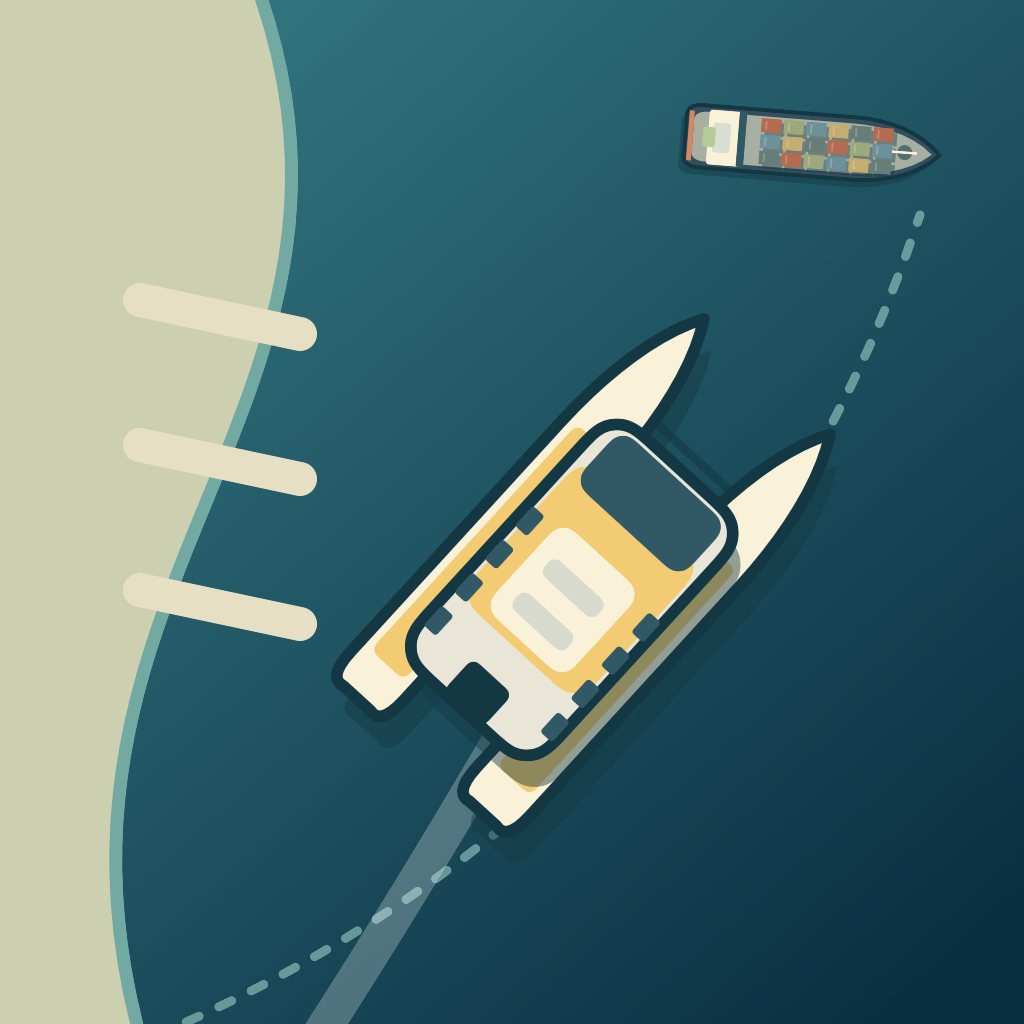
Ferries are fast and time-sensitive. Fishing boats are nimble but take longer to unload. Yachts need tacking room; “Heave to” still permits drift. Container ships follow the marked ship corridor. Passage destinations complete a transit; berth destinations require service and departure. The in-game fleet guide explains each class.
Pause, save, and settings
Pause from the top bar. Progress and the active watch save on your device; returning to the app resumes in a paused state. Sound and haptics are controlled in the help menu. Reinstalling the development build can remove local progress.
Daily and endless watches
The daily challenge uses a UTC date and a rotating set of authored schedules. All attempts for that date use the same schedule, even if you resume after midnight. Scores and medals are personal records on your device. Endless introduces different constraints over successive watches; clear every departure to advance, with twenty seconds to prepare between watches.
Live matches
Open Live match from the harbor picker, sign in to Game Center, and find another player. Both players must ready up. The initial match uses separate Embarcadero harbors with the same traffic and conditions. The live clock continues while you view instructions. A connection interruption pauses play and has a limited recovery window; an unrecovered match has no winner. Use Concede to leave voluntarily. Both players can choose a rematch after the result. Your solo watch remains saved.
Multiplayer is experimental. Successful local simulations do not establish that a complete match has worked between two distinct Game Center accounts. Use two accounts with access to the same TestFlight build when testing, and report connection, background/resume, result, or rematch problems.
Report a problem
If you have a TestFlight invitation, use Send Beta Feedback in TestFlight. Include your device model, iOS version, the watch name, and what happened. A screenshot or screen recording helps.
Email support@ferrybusy.com for support or privacy requests. Do not send passwords, payment details, or other sensitive information.
What is still being built?
Full live-match verification, further Bay maps, human difficulty balancing, final presentation, and accessibility validation remain in development. The current build is not the finished 1.0.
This is a game with adapted geography, not a navigation product.